
How to Compress Image to 20KB Online Without Losing Quality
Introduction
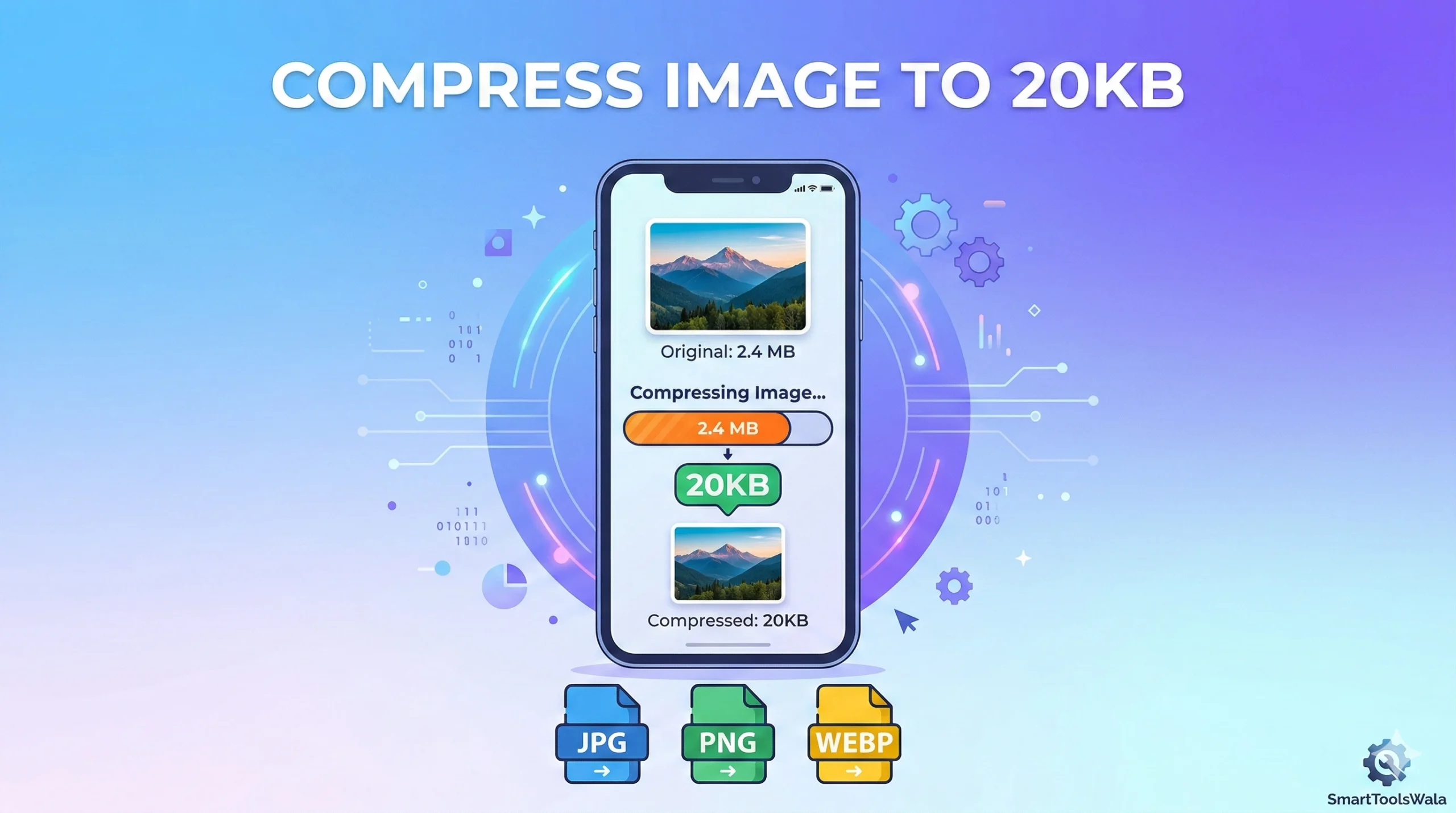
Images are an essential part of websites, forms, and online submissions. However, large image sizes can slow down websites and make uploading difficult. If you are looking for a way to compress image to 20KB online, you’re in the right place. In this guide, we’ll show you how to reduce image size without losing quality and make it suitable for web, forms, and documents.
Why Compress Images to 20KB?
- Faster Uploads: Smaller images upload quickly on forms like UPSC, SSC, and bank applications.
- Optimized Websites: Compressed images improve website speed and user experience.
- Storage Saving: Less space needed for storage without losing clarity.
Supported Image Formats
You can compress almost any image type online, including:
- JPG – Most common for photos
- PNG – Great for graphics and transparency
- WEBP – Modern format with small size and good quality
Step-by-Step Guide to Compress Image to 20KB
- Choose Your Image:
Select the image you want to compress from your device. - Select the Target Size:
Set the size to 20KB for optimal web or form submission. - Use SmartToolsWala Online Tool:
Click the Compress Image to 20KB button and let the tool reduce your image size instantly. - Download the Compressed Image:
Once compressed, download the image to your device. You’re done!
Pro Tip: Always check the compressed image for quality. Our tool maintains clarity even after compression.
Benefits of Using an Online Tool
- Free & No Signup Required: Start compressing instantly without account creation.
- Fast & Easy: Compress multiple images within seconds.
- Maintains Image Quality: Perfect for official forms and online submissions.
Frequently Asked Questions (FAQs)
Q1: Can I compress multiple images at once?
Yes, SmartToolsWala allows batch compression without losing quality.
Q2: Will my image clarity reduce?
No, the tool uses smart compression to keep the quality intact.
Q3: Is it safe to use online?
Absolutely! Your images are processed securely and not stored permanently.
Conclusion
Compressing images to 20KB is essential for faster uploads, optimized websites, and easier submissions. Instead of spending hours manually resizing images, use SmartToolsWala’s online image compression tool.
Written by Abhishek Baghel
Last updated: 27 February 2026